If you are building a web scraper, launching a sneaker bot, or managing multiple social media accounts, you have already figured out that you need proxies. But the very next question is always the same: Should I use Residential or Datacenter proxies?
Making the wrong choice here will cost you. Pick residential proxies for the wrong task, and you will burn through your budget on unnecessary bandwidth costs. Pick datacenter proxies for the wrong target, and you will get blocked instantly. This guide breaks down the core technical differences so you can optimize both your budget and your success rate.
Briefing Highlights
- Datacenter proxies prioritize speed.
- Residential proxies prioritize trust.
- Use Residential for scraping protected sites.
- Use Datacenter for bulk public data.
What are Residential Proxies?
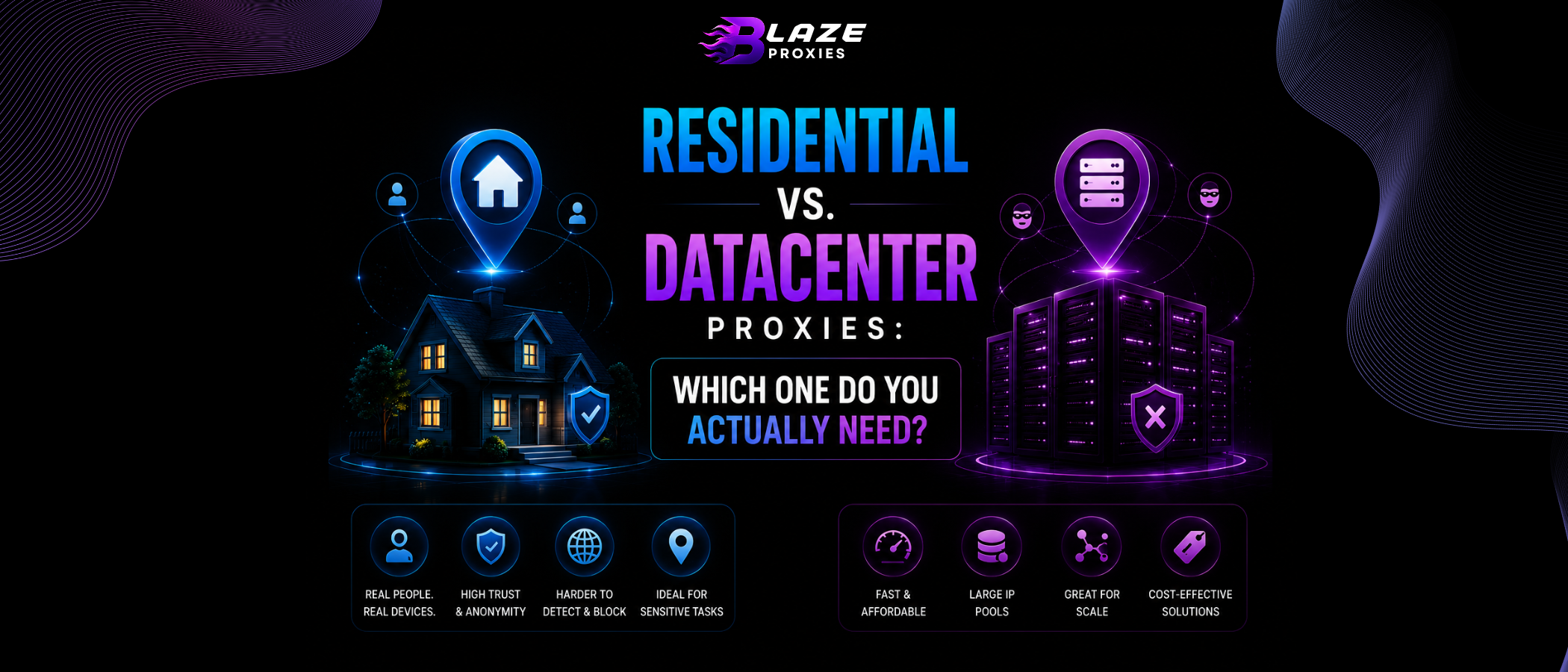
Residential proxies route your internet traffic through real devices (like laptops, smartphones, or smart TVs) connected to home internet connections provided by Consumer Internet Service Providers (ISPs) like AT&T, Comcast, or Vodafone.
The Ultimate Disguise
Because your requests look like they are coming from a regular person sitting in their living room, security systems (like Cloudflare, Datadome, and Akamai) give residential IPs the highest possible "Trust Score". Blocking them carries a massive risk of blocking legitimate customers.
What are Datacenter Proxies?
Datacenter proxies are generated in large data centers and are not affiliated with an ISP. They are essentially IP addresses belonging to massive cloud servers (like AWS, DigitalOcean, or specialized proxy hosts).
"Datacenter proxies are built for raw horsepower. With 10Gbps connections, they are exponentially faster than residential proxies, but their IP addresses clearly identify as 'Server Traffic'."
The Technical Breakdown
| Feature | Residential | Datacenter |
|---|---|---|
| Trust Level | Extremely High | Low to Medium |
| Speed & Ping | Average (Home network speeds) | Lightning Fast (10Gbps+) |
| IP Rotation | Millions of IPs available | Limited to purchased subnet |
| Billing Model | Usually Per-GB (Bandwidth) | Usually Per-IP (Unlimited Bandwidth) |
When to use which?
Use Residential Proxies For:
- Scraping highly protected targets (Google, Amazon, LinkedIn).
- Sneaker botting and retail checkout automation.
- Ad verification and localized market research.
- Creating social media accounts without getting flagged.
Use Datacenter Proxies For:
- Scraping unprotected websites at massive scale.
- Tasks that require downloading large files (Unlimited Bandwidth).
- Brand monitoring on public forums and news sites.
- Internal testing and continuous integration checks.
Frequently Asked Questions
No. Datacenter proxies are hosted on powerful commercial servers with multi-gigabit connections, making them much faster than residential proxies which rely on standard consumer home internet connections.
Residential proxies are harder to source. They require ethical agreements with millions of real users worldwide to route traffic through their devices, which carries a higher cost than spinning up a server in a data center.
Generally, no. Most sneaker sites (like Nike SNKRS) use advanced anti-bot systems that instantly flag datacenter IPs. You will need residential or ISP proxies to successfully check out.
The Hybrid Solution: ISP Proxies
Still can't decide? What if you could have the ultra-fast speeds of a datacenter proxy, combined with the impenetrable trust score of a residential IP?
Enter ISP Proxies (Static Residential). These are hosted in data centers but use IP addresses officially registered to consumer ISPs like Comcast or Verizon. They are the ultimate product for professional automation.