Every device connected to the internet has one. It identifies your network, reveals your approximate location, and tracks your online activity across the web. Yet most people have no idea what their IP address actually is — or what it says about them.
Your IP address is your digital home address. Websites, advertisers, ISPs, and even cybercriminals can use it to pinpoint your location, build a profile of your habits, and restrict your access to content. Whether you are protecting your privacy, bypassing geo-blocks, or running data operations with premium Residential Proxies, understanding your IP is the first step toward taking control of your online identity.
Briefing Highlights
- Your IP reveals your city, ISP, and browser fingerprint.
- Proxies are the fastest way to hide your IP without encryption overhead.
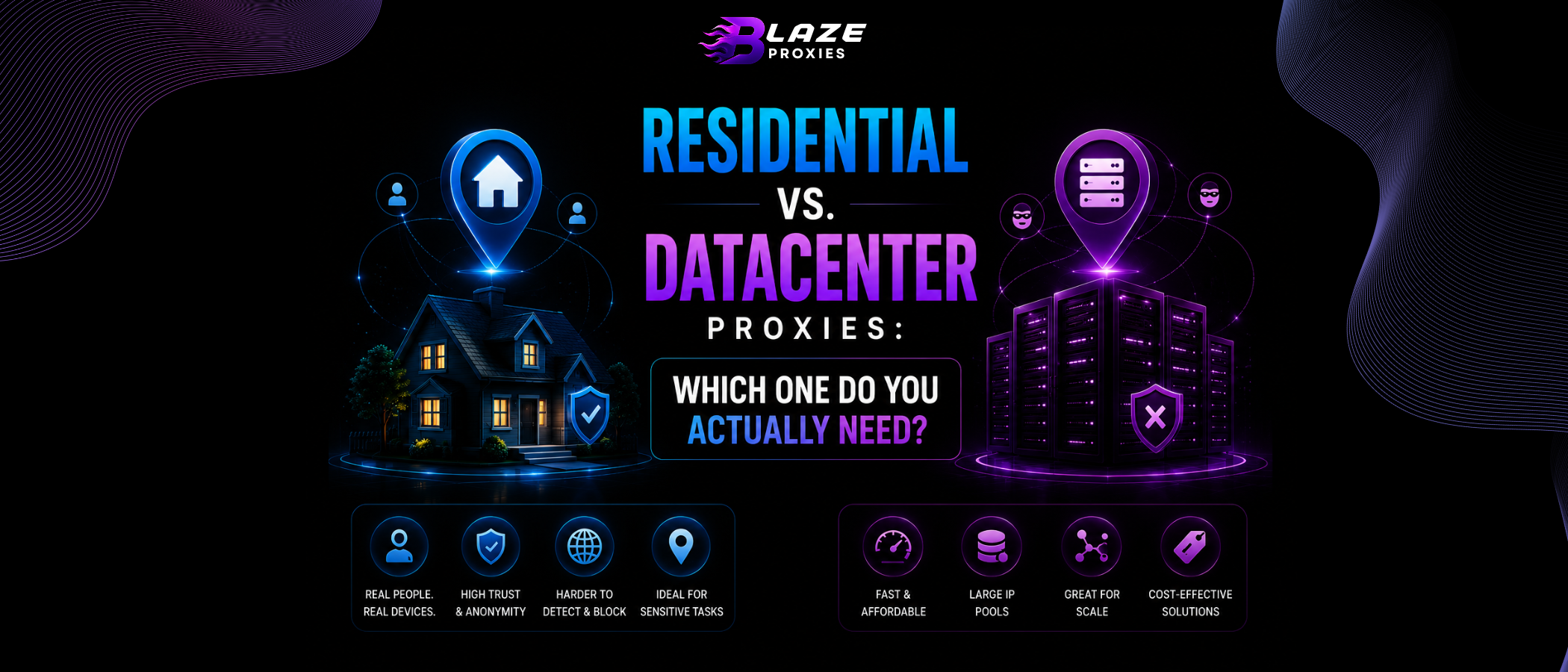
- Residential IPs offer the highest trust scores for bypassing blocks.
- Incognito mode does NOT hide your IP address.
What Is an IP Address?
An IP (Internet Protocol) address is a unique string of numbers assigned to every device that connects to the internet. Think of it like a mailing address for your computer — it tells the internet where to send data and identifies your device among billions of others.
IPv4 vs IPv6
IPv4 uses 32-bit addresses (e.g., 192.168.1.1) and supports ~4.3 billion devices. IPv6 uses 128-bit addresses to accommodate the exploding number of internet-connected devices worldwide.
Public vs Private
Your public IP is what the internet sees — assigned by your ISP. Your private IP is used internally on your home or office network (typically starting with 192.168.x.x).
Check Your IP Address
See exactly what your IP address reveals right now. The widget below detects your current public IP, approximate location, and internet service provider in real time.
Live IP Checker
Your current network identity
Want to test if your current proxy setup is working properly? Use our free Proxy Checker tool to verify IP geolocation, latency, and status across HTTP, HTTPS, SOCKS4, and SOCKS5 protocols.
How to Check Your IP Manually
If you prefer command-line tools or built-in OS settings, here is how to find your IP address across different platforms:
Windows
Open Command Prompt and type ipconfig. Look for IPv4 Address under your active network adapter.
macOS / Linux
Open Terminal and type ifconfig (macOS) or ip addr (Linux). Your public IP can be found with curl ifconfig.me.
Google Search
Simply type “what is my ip” into Google. It will display your public IP address directly in the search results without clicking any links.
What Your IP Address Reveals
Geolocation
Your IP can pinpoint your city and region with surprising accuracy. Websites use this to serve localized content, restrict access, or track your physical movements. Premium Residential Proxies let you appear from virtually any city worldwide.
ISP & Provider
Your ISP (Comcast, Verizon, AT&T, etc.) is visible to every website you visit. This data is used for analytics, bandwidth throttling, and sometimes sold to third-party advertisers.
Browser Fingerprint
Combined with your IP, websites use browser fingerprinting — analyzing your screen resolution, OS, fonts, and plugins — to create a unique profile. This is why rotating your IP alone is not enough; you need proper anti-detection strategies as covered in our guide on defeating anti-bot systems.
Why Hide Your IP Address?
Privacy Protection
Prevent advertisers, ISPs, and trackers from building a profile based on your browsing habits. Your IP is one of the most persistent identifiers online.
Bypass Geo-Restrictions
Access content restricted to specific countries. With global residential IPs across 229+ global locations, you can appear as a local user from virtually anywhere.
Web Scraping & Automation
Data extraction at scale requires rotating through thousands of IPs to avoid rate limits and bans. Our web scraping proxy infrastructure is purpose-built for this.
Social Media Management
Manage multiple accounts without triggering platform security flags. Mobile proxies offer the highest trust scores for social platforms like Instagram and TikTok.
How to Hide Your IP Address
There are several methods to hide your IP, each with different trade-offs in speed, security, and reliability. Here is an honest breakdown:
Proxy Servers
A proxy server routes your traffic through an intermediary IP address, masking your real IP from the target website. Proxies offer the best balance of speed, control, and IP diversity for most use cases. Unlike VPNs, they add minimal latency because they do not encrypt your traffic — making them ideal for high-speed operations like web scraping and automation.
Residential Proxies
Real ISP-assigned IPs from actual households. Highest trust scores. Perfect for bypassing anti-bot systems. Explore plans →
Mobile Proxies
4G/5G carrier IPs with the highest trust levels. Ideal for social media and app-based automation. Explore plans →
ISP Proxies
Static residential IPs with datacenter speed. Perfect for account management requiring consistent IPs. Explore plans →
Datacenter Proxies
Pure speed. Best for high-volume tasks where raw throughput matters more than trust score. Explore plans →
VPN
A VPN encrypts all your traffic and routes it through a remote server, hiding both your IP and your data contents. Excellent for personal privacy on public WiFi, but adds encryption overhead that slows down connections. For a detailed comparison, read our VPN vs Proxy technical breakdown.
VPNs are great for privacy; proxies are built for performance. Choose based on your use case.
Tor Browser
Tor routes your traffic through three randomly selected nodes, providing strong anonymity at the cost of very slow speeds. Useful for extreme privacy scenarios but impractical for web scraping, streaming, or any high-bandwidth activity.
Proxy vs VPN: Hiding Your IP
Both proxies and VPNs hide your IP, but they do it differently. Here is how they compare for IP masking specifically:
| Feature | Proxy | VPN |
|---|---|---|
| IP Masking | Full (per-request rotation possible) | Full (single IP per session) |
| Encryption | None / Minimal | Military-Grade (AES-256) |
| Speed | Ultra-Fast | Slower (encryption overhead) |
| IP Rotation | Automatic (per request) | Manual reconnection |
| Trust Score | High (residential/mobile IPs) | Low (datacenter IPs) |
| Best For | Scraping, automation, social media | Personal privacy, public WiFi |
For a deeper technical comparison of encryption, protocols, and use cases, read our full VPN vs Proxy guide.
Frequently Asked Questions
Yes, hiding your IP address is completely legal in most countries. Using a proxy or VPN to protect your privacy is a standard security practice. However, using a hidden IP to commit illegal activities — such as fraud, hacking, or copyright infringement — remains illegal regardless of your IP status.
No. Incognito or private browsing mode only prevents your browser from saving history, cookies, and form data. Your IP address remains fully visible to websites, your ISP, and network administrators. Only a proxy, VPN, or Tor can actually hide your IP.
Free proxies and free VPNs exist, but they come with significant risks: slow speeds, data logging, malware injection, and selling your bandwidth. For any serious privacy or business use, paid residential proxies or reputable VPNs are strongly recommended.
Residential proxies are the gold standard for web scraping. They use real ISP-assigned IP addresses that appear as genuine home users, making them extremely difficult for anti-bot systems to detect. Combine rotating residential proxies with proper TLS fingerprinting for maximum success.
A properly configured proxy hides your real IP from the target website — they only see the proxy's IP address. However, some advanced techniques like WebRTC leaks, JavaScript fingerprinting, or misconfigured proxy settings can potentially expose your real IP. Always use high-quality proxies and disable WebRTC in your browser.
Take Control of Your Digital Identity.
Your IP address is more exposed than you think. Whether you are protecting personal privacy or scaling business-critical data operations, our Elite Residential Proxy Network gives you complete control over your digital footprint.
Global IPs
20M+
Global Locations
229+
Latency
<50ms